
Best Launch Monitor for a Golf Simulator (2026 Guide)

On this page5
The right launch monitor for a golf simulator is the one that matches your room depth and your simulator software, not the one with the most data points on the spec sheet. If you have under 15 feet of depth behind the ball, a camera-based unit like the SkyTrak+ or Bushnell Launch Pro fits where a radar unit won’t. If you want GSPro specifically, a Garmin Approach R10 connects for free in minutes while a SkyTrak+ needs a community-built bridge to do the same job. Get those two questions right first, space and software, and the rest of the buying decision gets a lot shorter.
Camera-based or radar-based: which fits a golf sim?
Golf sim launch monitors track your shot with one of two core technologies, and the difference matters more indoors than it does on a range.
Radar units (Garmin Approach R10, Mevo) sit 6 to 8 feet behind the ball and use Doppler radar to track the ball through its early flight, then extrapolate the rest. That extrapolation needs real distance to work with, which is why radar setups typically need 16 to 21 feet of total room depth to measure spin and shot shape accurately, according to PlayBetter’s launch monitor space guide.
Camera-based (photometric) units (SkyTrak+, Foresight GC3, Uneekor EYE XO2) sit beside the ball and photograph the actual impact, so they don’t need long ball flight to get a real reading. That’s why camera units can work in rooms as short as 10 feet deep, per the same PlayBetter breakdown. That’s a real advantage if you’re building in a garage bay or a spare bedroom rather than a dedicated barn.
Hybrid units (Rapsodo MLM2PRO, Garmin Approach R50) blend radar tracking with a camera for measured spin data, splitting the difference on both space and price. If your room is tight, buy for the technology first and worry about brand loyalty second. A great radar unit crammed into a 12-foot room will still give you bad numbers.
Which launch monitor works with which simulator software?
This is the question that trips up more first-time buyers than anything else, and it’s the one most spec sheets bury. Three software ecosystems dominate home sims: GSPro (Windows-only, the broadest third-party course library), E6 Connect (runs on Windows, Mac, iOS and Android, and has the widest native hardware support), and each brand’s own native app (Garmin Golf, Rapsodo’s app, Foresight’s FSX). Compatibility isn’t universal, and several popular monitors gate GSPro or E6 behind a paid tier.
| Launch monitor | Tech type | Software compatibility | Price tier |
|---|---|---|---|
| Garmin Approach R10 | Radar | GSPro (free, native connector), E6 Connect (via Garmin Golf) | Budget (~$500) |
| Rapsodo MLM2PRO | Hybrid (radar + camera) | GSPro (official, needs Premium sub), native Rapsodo app | Budget-mid (~$700 + subs) |
| SkyTrak+ | Camera (photometric) | E6 Connect (native), GSPro (community bridge only) | Mid (~$1,995) |
| Bushnell Launch Pro | Camera (photometric) | FSX Pro (native), GSPro + E6 (Gold subscription required) | Premium (~$2,499 + subs) |
| Garmin Approach R50 | Hybrid, built-in screen | E6 Connect, Awesome Golf, GSPro | Premium (~$5,000) |
| Uneekor EYE XO2 | Overhead camera | GSPro, E6 Connect, TGC 2019, Creative Golf, ProTee Play | Ultra-premium (~$9,000-$11,000) |
A few specifics worth knowing before you check out:
- The Garmin R10-to-GSPro pairing is popular precisely because Garmin ships a free, direct connector — no bridge software, no extra subscription just to unlock it, confirmed in Garmin’s own R10 GSPro connection guide.
- Rapsodo’s MLM2PRO now officially integrates with GSPro, but you’re paying twice for the privilege: a Rapsodo Premium membership plus a separate GSPro subscription, on top of the $699.99 hardware.
- SkyTrak+ owners rely on a community connector (OpenSkyPlus 2) for GSPro rather than an official one. If you already own a SkyTrak+ with a working GSPro setup, you’re fine; if you’re buying new specifically for GSPro, know that SkyTrak’s own roadmap is pointed at its native Course Play platform, not third-party support.
- Bushnell’s Launch Pro requires a $499/year Gold subscription before GSPro or E6 Connect will even talk to it, per Bushnell’s own Launch Pro product page — a cost that’s easy to miss if you’re only comparing hardware prices.
- The Garmin Approach R50 handles GSPro, E6 Connect and Awesome Golf, but third-party software runs on a separate PC or iPad rather than the R50’s own built-in screen, according to PlayBetter’s R50 software compatibility guide.
How much space do you actually need?
Beyond the radar-versus-camera depth difference above, most golfers are comfortable in a room roughly 10 feet high, 14 feet wide and 18 feet deep: enough for a foot behind the screen, 10-12 feet from screen to ball, and about 7 feet behind the ball to swing freely, per PlayBetter’s space guide. Eight or nine feet of ceiling height can work if you’re only hitting irons, but you’ll want a genuine 10 feet to swing a driver without flinching.
Overhead-mounted launch monitors change the math again. The Uneekor EYE XO2 mounts 3 to 4 feet in front of the tee at roughly 9.5 to 10.5 feet up, which means you need real clearance at that specific point in the ceiling, not just above where you stand. If your space has ductwork, a light fixture, or a sloped ceiling in that zone, a floor or beside-ball unit is the easier build.
The cheapest test costs nothing: stand in the space with your driver, make a full backswing and follow-through, and see what you clip. If you can’t do that safely, no launch monitor spec sheet is going to fix the room.
What should you actually budget by tier?
- Entry ($500-$800): Garmin Approach R10 or Rapsodo MLM2PRO. Reliable ball data, GSPro access (free on the R10, subscription-gated on the MLM2PRO), and enough accuracy for real practice. This is the right buy for most first-time home builders. You get most of the golfing value at a fraction of the outlay, and you can always upgrade later once you know you’ll actually use the space.
- Mid ($2,000-$2,500): SkyTrak+ or Bushnell Launch Pro. Photometric accuracy, tighter room compatibility, but budget for the subscription stack: Bushnell’s alone runs $749/year for full third-party access.
- Premium ($4,500-$6,000): Garmin Approach R50 or Foresight GC3. Full ball and club data with built-in screens and broad software support, aimed at players who golf sim seriously enough to justify it.
- Ultra-premium overhead ($9,000-$11,000): The Uneekor EYE XO2 and similar ceiling-mounted systems support GSPro, E6 Connect, TGC 2019, Creative Golf and ProTee Play, the widest simulator software list of any category, plus the largest hitting zone. Only worth it if you’ve already outgrown a floor unit or you’re building a dedicated room from scratch.
If you’re just starting out, resist the pull toward the premium tier. A $500 radar unit that you actually use every week beats an $11,000 overhead system that intimidates you into not practicing.
Mounting: tripod, enclosure, or overhead bracket?
Radar and beside-ball camera units typically sit on a small tripod or floor stand. The Garmin R10 and SkyTrak+ both ship this way, and repositioning them for left-handed play or a different tee spot takes seconds. Overhead units like the Uneekor EYE XO2 need a permanent ceiling bracket at a fixed height and distance from the tee, which is a bigger commitment: once it’s mounted, your hitting position is largely fixed too.
If you’re renting, or you’re not sure the simulator space is permanent, a tripod-based unit is the lower-risk choice. Save the ceiling mount for a space you’ve already committed to.
Building a home sim is also a good excuse to sharpen your understanding of the game itself. Knowing what shows up as even par on a leaderboard or how a proper golf handicap gets calculated makes the numbers your launch monitor throws up mean a lot more. Just don’t expect simulator rounds to count toward an official handicap post; most clubs still require rounds played on a rated course.
For more on building out your game beyond the launch monitor itself, from swing basics to scoring to the players worth watching, visit our full Golf hub.
Frequently asked questions
Do I need club data or just ball data for a golf simulator?+
Ball data alone (speed, launch angle, spin) is enough to play a realistic simulator round; that's all radar units like the Garmin R10 capture. Club data (path, face angle, attack angle) is a coaching layer for improving your swing, not a requirement for simulator golf, so skip it if your goal is playing courses, not fixing a slice.
Can I use GSPro with a Garmin Approach R10?+
Yes. Garmin publishes a free, direct GSPro connector for the R10, making it the most common budget pairing in home simulators. E6 Connect also works, but routes through the Garmin Golf app rather than connecting natively, so setup takes an extra step compared with GSPro.
How much does a golf simulator launch monitor cost in total, including software?+
Budget on the hardware plus recurring software. A Garmin R10 runs about $500 with free GSPro access. A Rapsodo MLM2PRO is $699.99 hardware, plus $199.99/year Premium and $250/year for GSPro. A Bushnell Launch Pro is $2,499 hardware, plus $499/year Gold and $250/year GSPro: nearly $750 a year in subscriptions alone.
What ceiling height do I need for an overhead-mounted launch monitor?+
Overhead units like the Uneekor EYE XO2 mount roughly 3 to 4 feet in front of the tee at a height of about 9.5 to 10.5 feet, so you need a true ceiling clearance close to 10 feet at the mounting point, not just above the tee. Floor or beside-ball units are far more forgiving on ceiling height.
Is SkyTrak+ still compatible with GSPro in 2026?+
It's complicated. GSPro doesn't natively support SkyTrak+; access runs through a community-built bridge (OpenSkyPlus 2). Existing SkyTrak+ owners with an established GSPro connection keep it, but SkyTrak has shifted its own development toward its native Course Play platform, so don't buy one purely expecting rock-solid GSPro support going forward.
Is a camera-based or radar-based launch monitor more accurate indoors?+
Camera-based (photometric) units like SkyTrak+ or Foresight measure impact directly beside the ball, so they're generally more consistent in tight indoor rooms where a radar unit can't see enough ball flight. Radar units like the Garmin R10 are accurate too, but need more room behind the ball to extrapolate the full flight path.
Sources
- Garmin Support – Approach R10 GSPro Connection Guide
- Rapsodo – MLM2PRO Now Integrates with GSPro
- Bushnell Golf – Launch Pro product page
- Uneekor – EYE XO2 Launch Monitor
- PlayBetter – Space Requirements for a Launch Monitor in a Home Golf Simulator
- PlayBetter – What Golf Simulator Software Works With the Garmin Approach R50
Play & tools
Free browser games and tools — no account, no download.
- Play today's Sports Connections — Today's Sports Connections — daily hints, answers, and play the grid.
- Play Guess the NFL Player — A new mystery NFL player every day. Eight guesses, with a clue on each — plus free unlimited mode.
- Explore all our games →
Related golf guides
View all →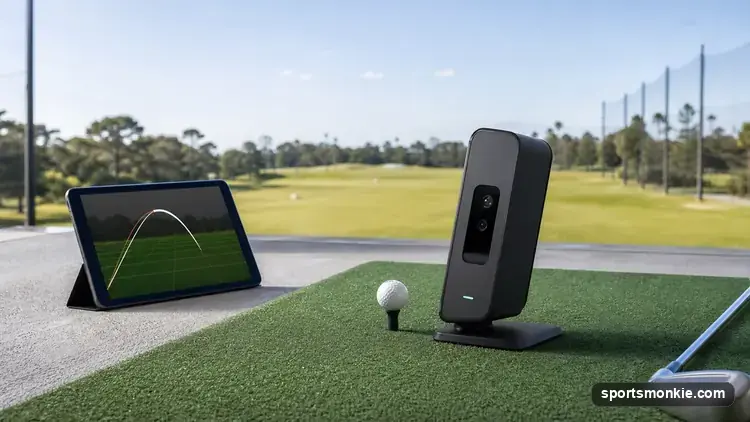
Portable Golf Launch Monitors: What Actually Matters
What a portable golf launch monitor really measures, 2026 prices from $200 to $2,500, and which metrics are marketing fluff versus real data.
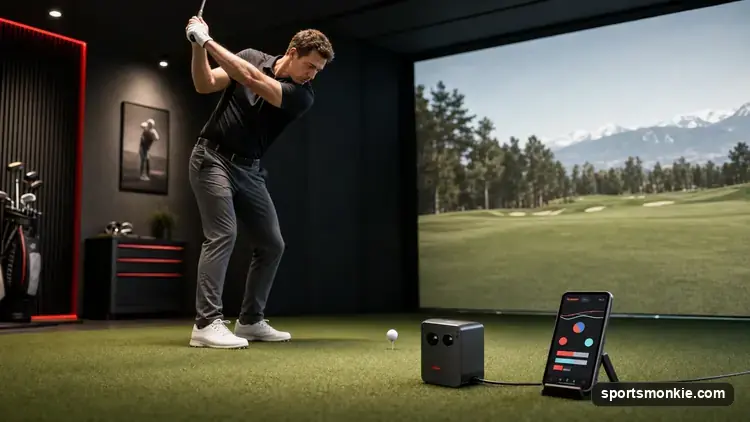
Rapsodo MLM2PRO Review: Is It Worth It in 2026?
Rapsodo MLM2PRO price, subscription cost, accuracy, and E6 Connect compatibility, tested against the Garmin R10 to answer whether it is worth buying in 2026.
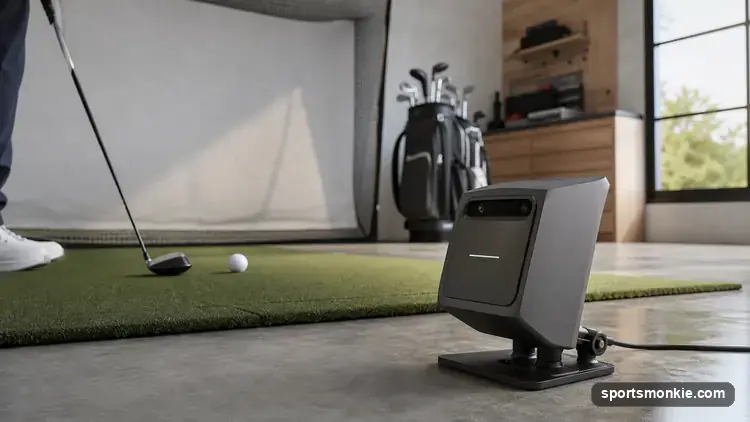
Shot Scope LM1 Review: Is It Worth It in 2026?
The Shot Scope LM1 golf launch monitor costs $199.99 and tracks 5 swing metrics with no subscription. Here's the accuracy, limits, and who should buy it.
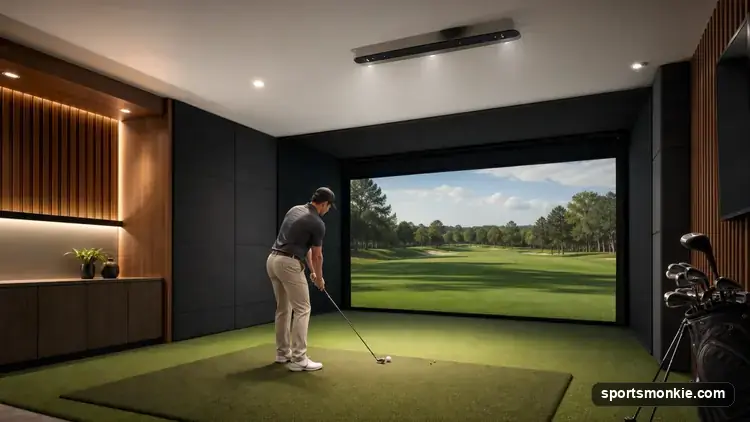
Overhead & Ceiling-Mounted Golf Launch Monitors: Worth It?
Overhead golf launch monitors mount to the ceiling, safe from mis-hits. What they cost, the ceiling height needed, and who should skip it for a floor unit.

Garmin Approach R10: Is It Worth It in 2026?
The Garmin Approach R10 golf launch monitor lists at $599 and tracks 14 metrics off Doppler radar. Here's the accuracy, setup, and who should spend more.

Golf Ball Compression Chart by Swing Speed
A golf ball compression chart rating Pro V1, TP5, Chrome Soft, Supersoft and more from ~35 to 100, matched to the driver swing speed each ball suits.